视觉对比 Preview
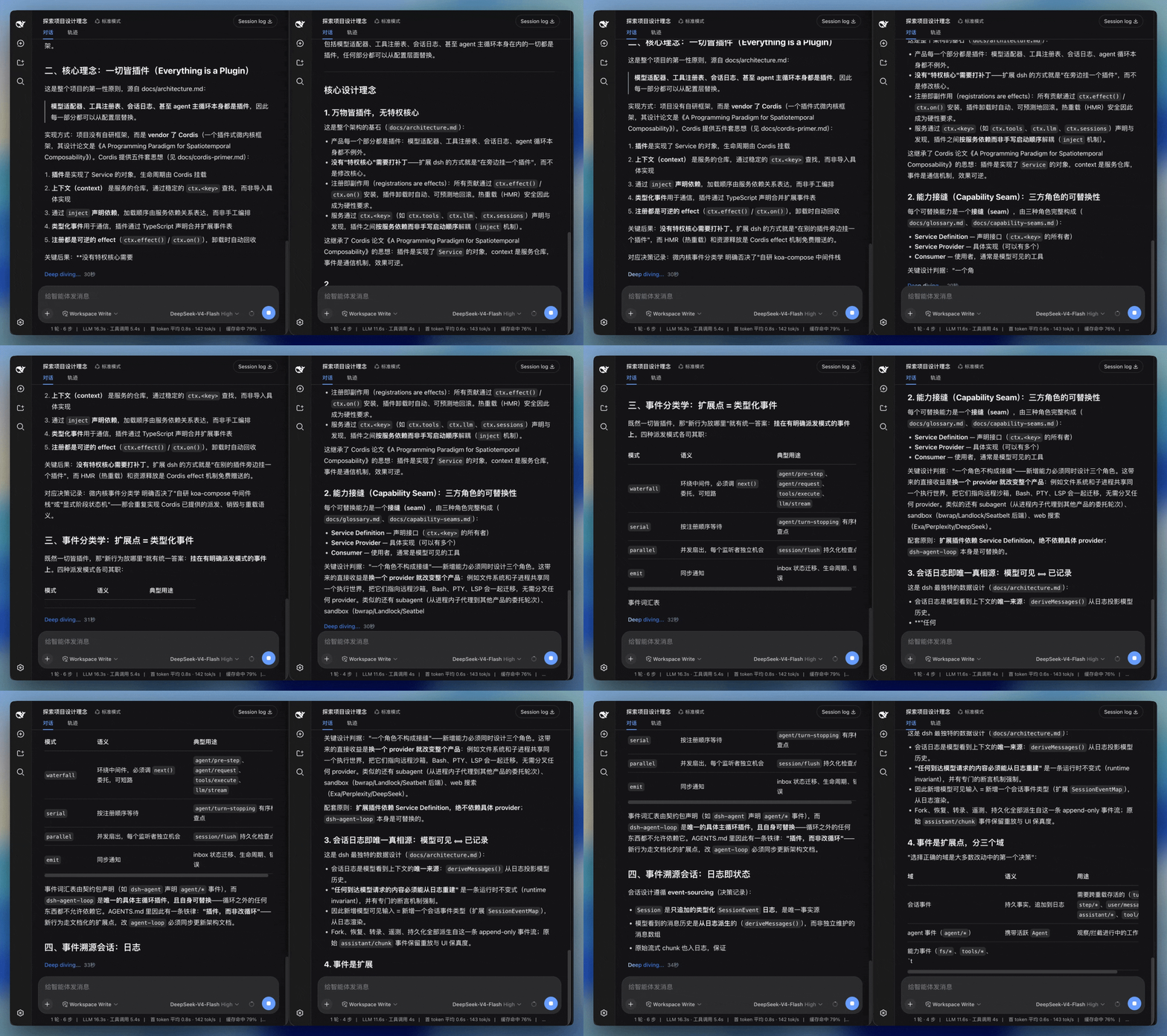
告别大段文字瞬间“砸”在屏幕上的视觉压迫感。算法将突发的 Token 分块化解为字符级的温润涌现,字里行间富有呼吸节奏。
视口跟随如同搭载了高精度阻尼滑轨,随文本延伸平稳推进。换行与代码块落位平滑过渡,彻底告别眼球反复重新寻焦的疲劳。
网络慢时从容展开,模型高并发迸发时长文平稳收敛。无论 Token 产生多快,呈现在眼前的始终是优雅、连续的流动画面。
基于积压队列深度与分数积分($\text{debt}$),动态调度字符展开速率。小分块优雅从容,大爆发平滑追赶,单帧折行视觉位移严格限幅在 8px 内,杜绝文字跳变。
以 $k=130, c=24$ 的亚步进弹簧物理模型计算视口运动。真实容器停驻在底部,视觉滞后完全由合成层 transform 吸收,跟随过程零重排(0-Reflow)。
当视口滞后接近预留跑道上限时,自动向揭示引擎施加阻尼(最低降速至 0.55x),形成视口与文字生成的动态平衡,防止内容冲出可视区。
流式期间思考链与工具调用保持实时展开;回合结算完成并稳定后,无缝收拢为极简的「已处理 X秒」状态行,保持对话视图整洁专注。
基于真实时间驱动物理积分。无论在 60Hz 办公显示器还是 120Hz ProMotion 屏幕上,弹性收敛的物理耗时均保持一致。
主线程偶发阻塞时自动钳位物理时间($\Delta t \le 32\text{ms}$),避免卡顿恢复后单帧倾泻瞬间位移。
原生响应 prefers-reduced-motion(直出内容、关闭跟随);低帧率(<30 FPS)且内容处于屏外时自动挂起揭示,释放渲染算力。
不替换 Markdown 语义树,不干扰宿主复杂自定义工具组件(如钢琴卡片),保持原生选区与复制体验。
平滑度是可测量的工程指标,仓库自带浏览器级审计测试集,本地随时可跑:
| 测试闸门 | 测试脚本 | 验证结果 |
|---|---|---|
| 流式渲染审计(5 种典型生成模式) | node scripts/run-render-audit.mjs | 10/10 Clean,零位移回退 |
| 溢出与回弹闸门 | node scripts/verify-overflow.mjs | 3/3 零过滚、零回弹 |
| 尾行晃动抑制探针 | pnpm test | 单帧位移 ≤30px,7 帧振幅峰值 ≤32px PASS |
| 核心 ESM 产物大小 | pnpm build | Gzip 约 4.7 kB |
更深入的积分公式推导与背压数据,请参阅 工作原理与力学分析。
pnpm dsh plugin --profile web add dsh-smooth-stream预构建产物开箱即用,启动 pnpm dsh web 后,Host 控制台输出 [dsh-smooth-stream] plugin loaded! 即表示生效。
指视口跟随阶段不触发浏览器的 Layout 重排流程。传统实现反复写入 scrollTop 或修改容器几何尺寸导致每帧回流;本项目在跟随过程中真实滚动条保持在底部,所有位置微调均走 GPU 合成层的 transform: translate3d。文字揭示本身产生的新 DOM 节点仍需计算布局,但节奏被严格限幅,消除单帧跳跃。
插件默认提供 balanced(均衡)预设,若希望更贴近模型原始到达可选择 realtime,追求极致柔和缓冲可选择 silky。可在 cordis.patch.yml 中配置,亦可在 Web UI 的插件设置卡片中动态微调。
不会。流式生成期间思考链与工具结果正常实时展开;回合结算后,控制器会自动折叠中间过程为极简摘要,用户随时可点击展开完整工作流。
在 设置 → 插件 → 插件配置 中开启「显示渲染调试面板」,即可在对话界面实时查看帧率、字符积压、弹性曲线并动态拖拽调整刚度与阻尼系数。